Executable Dotfiles
My dotfiles install themselves.
Recently, motivated by my friend Hans, I added a custom CSS snippet to support collapsing/expanding the tab list by hover.
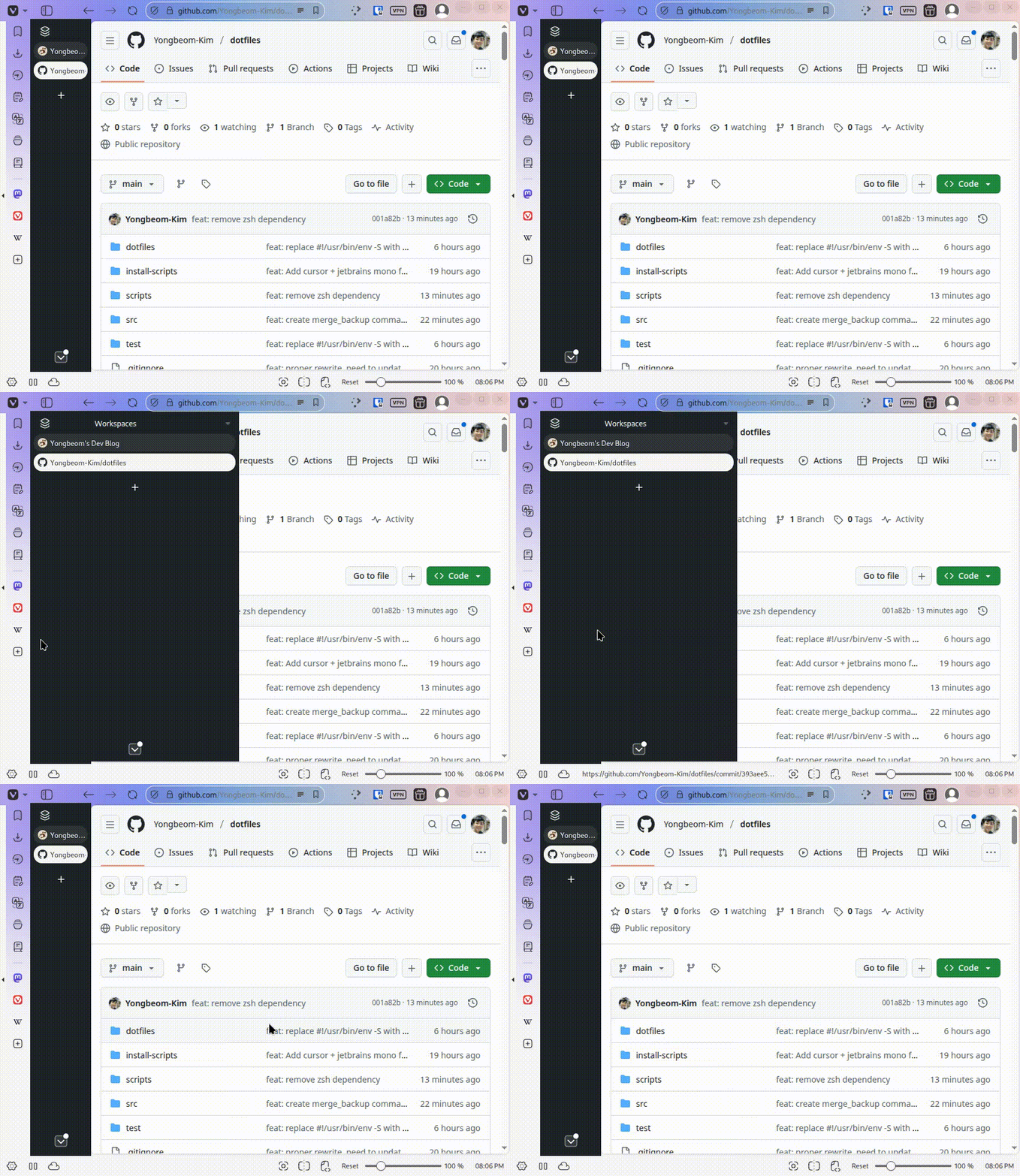
I mean, this is really quite convenient, and for the first time in a long time,
I felt that I should replicate this setup across my other devices.
So, I unearthed my dotfiles repo, which hadn't seen the light of day since 2024.
Why I hated my (old) dotfile manager
One reason why the repo was in a state of disuse was that I didn't really like its design ever since I built it in 2023.
It was for two main reasons: I didn't really like how the dotfiles were tracked, and I'd grown to dislike the idea of symlinking dotfiles to version-controlled repos.
Tracking Dotfiles
Fundamentally, a dotfile manager must keep two pieces of information in sync for every configuration file: the content and location of the dotfile.
You would typically do this with a central script of some sort, storing a mapping:
$GIT_ROOT/dotfiles/vim/.vimrc ⭢ $HOME/.vimrc
I also had done this with a python script back then:

Coming back to the repository after an entire year, I didn't think this was a good design.
I don't want to remember that after introducing a new dotfile, I need to edit some other script to make things work, not to mention all the other abstractions I must have put in back then.
I think the dotfile contents and locations should be colocated. I shouldn't need to edit two different places to do one thing.
Symlinks
In 2023, I was sold on the idea that symlinks were the holy grail of dotfile management.
Create a symlink $HOME/.vimrc ⭢ .dotfiles/vim/.vimrc, and all updates stay in sync with version control.
I can't say I feel the same now.
Dotfiles define how I interact with machines (if at all) — I am literally crippled when I
ssh into a machine without my vim bindings.Losing them, or any misconfiguration, opens up a small can of tiny inconveniences I must carefully reinvent the wheel for.
This time, I found the typical git-symlink workflow a little too invisible for my liking.
What if a
git pull breaks your macOS environment with a Linux-specific config?I decided I'd rather every action be explicit and intentional.
About #! Shebangs
Quick background before I go over my new design (feel free to skip this section if you know how shebangs work.)
Here is what that
#!/bin/bash at the top of your script does.If you have a file
test.sh:#!/bin/bash
echo testAnd you run
./test.sh in your terminal, it is (almost) equivalent to running this in your terminal:./test.sh
# this is like doing
/bin/bash ./test.shWhen you execute it, the kernel processes the file with the
execve syscall.
Something like:execve("./test.sh", argv, envp)Then,
execve checks if the file starts with #!.
If it does, the kernel reads the first line (up to some limit),
parses the interpreter path + any arguments.It then calls
execve again, this time with the interpreter path as the program to execute,
and the script file as its first argument:execve("/bin/bash", ["/bin/bash", "./test.sh"], envp)Naturally, there is no reason why it should be limited to
#!/bin/bash.For example, this prints the file back to you:
#!/bin/cat
echo this
Here is an infinite countdown:
#!/usr/bin/env -S bash -c 'n=$(tail -n1 "$0"); echo $n | tee -a "$0"; exec "$0";'
10
(Also, check out my fork bomb, written entirely in the shebang.)
New Dotfile Manager
You can probably see where I am going with this.
Initial Design & Challenges
Initially, I thought about doing something like this:
./dotfile/vim/.vimrc
#!/usr/bin/env _copy_dotfile ${HOME}/.vimrc

" Remap esc key
inoremap kj <C-[>
inoremap jk <C-[>

" More things below
This gives us the following:
# if we execute the file
./dotfile/vim/.vimrc

# This is equivalent to
_copy_dotfile ${HOME}/.vimrc ./dotfile/vim/.vimrc
If our
_copy_dotfile looked something like this:#!/bin/bash
dst_path="$1"
src_path="$2"
cp "$src_path" "$dst_path"Then running the dotfile would effectively copy it into its intended destination.
Simple setup, works well... until I wanted to track my editor settings.
MacOS's Shebang Parser
Look at this file:
./dotfiles/vscode-forks/cursor-settings.json
#!/usr/bin/env _copy_dotfile ${HOME}/Library/Application\ Support/Cursor/User/settings.json

{
	// ...
}
On Linux it works fine, but on MacOS you get something like:
➜  dotfiles git:(main) ./dotfiles/vscode-forks/cursor-settings.json
/usr/local/bin/_copy_dotfile: eval: line 220: unexpected EOF while looking for matching `"'
Turns out, macOS's shebang parser doesn't allow you to escape spaces (seriously?).
Looks like the parser uses a simple whitespace-based tokenizer that
doesn't respect shell quoting rules. You can wrap double quotes, single quotes,
or escape the space with a backslash, but it is always resolved as separate arguments.
macOS's simplistic shebang parsing broke the portability I needed.
Path Requirements
At this point, I also realized that my dotfile locations were going to be different across different operating systems. Look at my Cursor (VSCode)
settings.json file path:# In MacOS:
~/Library/Application Support/Cursor/User/settings.json
# In Linux:
~/.config/Cursor/User/settings.json # or,
${XDG_CONFIG_BASE}/Cursor/User/settings.jsonIt is really a shame, but this neat little one-line shebang trick cannot support this use case.
The Second Rewrite (Hopefully the Last)
I still believed in the executable-dotfile philosophy, so I decided to bite the bullet
and write a simple parser in bash for a more expressive syntax.
Parsing Dynamic Path
I decided on something like this:
./dotfiles/vim/.vimrc

#!/usr/bin/env _copy_dotfile
# target: ${HOME}/.vimrc

" Remap esc key
inoremap kj <C-[>
inoremap jk <C-[>
For dotfiles with OS-specific paths, I came up with something like this:
./dotfiles/vscode-forks/cursor-settings.json

#!/usr/bin/env _copy_dotfile
# target[Linux]: ${HOME}/.config/Cursor/User/settings.json
# target[Darwin]: ${HOME}/Library/Application\ Support/Cursor/User/settings.json

{
	// ...
}
The target argument goes something like
target[$(uname -s)], allowing me to define separate paths for MacOS,
parsed by a bash script. It throws an error when more than one target is resolved in the parser.When copying the dotfile over, the parser will trim out the shebang and the
# target: clauses.The parser looks like this:
_get_target() {
	content=$1
	frontmatter="$(_get_frontmatter "$content")"

	os_name="$(uname -s)"
	targets=()
	while IFS= read -r line; do
		# Parse universal target
		if [[ "$line" == "# target:"* ]]; then
			target_raw="${line#*# target: }"
			# eval echo evaluates ${HOME} variable
			targets+=("$(eval echo "$target_raw")")
		fi

		# Parse os-specific target
		if [[ "$line" == "# target[$os_name]:"* ]]; then
			target_raw="${line#*# target*: }"
			# eval echo evaluates ${HOME} variable
			targets+=("$(eval echo "$target_raw")")
		fi

	done <<< "$frontmatter"

	if [[ "${#targets[@]}" -eq 0 ]]; then
		echo_stderr -e "${RED}No target found in file.${RESET}"
		return 1
	fi

	if [[ "${#targets[@]}" -gt 1 ]]; then
		echo_stderr -e "${RED}Multiple targets found in file. Only one should be specified. Targets: ${targets[@]}.${RESET}"
		return 1
	fi

	echo "${targets[0]}"
}
Find the full script here.
The Workflow
For the tool, I decided to adopt a git-like workflow.
Instead of symlinks, I decided I'd push/pull the dotfiles into their respective locations explicitly — think of it as having the dotfiles git repo, and those in their actual paths as a remote origin.
I define the following
make commands:make push # Push dotfiles into their target locations; make backups.
make pull # Pull and merge dotfiles from target locations into this repo
make backup # Backup existing target dotfiles
make merge_backups # Merge and remove backups into source dotfiles
make restore_backup # Restore backups of all dotfiles
make remove_backups # Remove backups of dotfiles in this repoThis is made possible by the following commands in my executable:
./DOTFILE pull           # Merge this dotfile's target into itself.
./DOTFILE push           # Push this dotfile into its target location, make a backup.
./DOTFILE backup         # Create a backup for this dotfile.
./DOTFILE restore_backup # Restore this dotfile's target from its backup.
./DOTFILE merge_backup   # Merge this dotfile's backup into itself.
Merges are done with
git merge-file, for nice and familiar merge conflicts. Each command, too, checks and throws if there are any git merge conflicts.This allows me to define a very simple workflow: do
make pull, resolve conflicts, and make push to synchronize dotfile changes, as if we were in a real git repo.Conclusion
Many hours went into writing, testing, and debugging bash scripts — but this version is one I'm finally happy with (at least until the next rewrite).
Each dotfile is now self-contained, declarative, and executable, with no hidden abstractions.
It feels just right for my dotfiles — prioritizing intention over convenience, explicit over automation, and transparency over abstraction.